

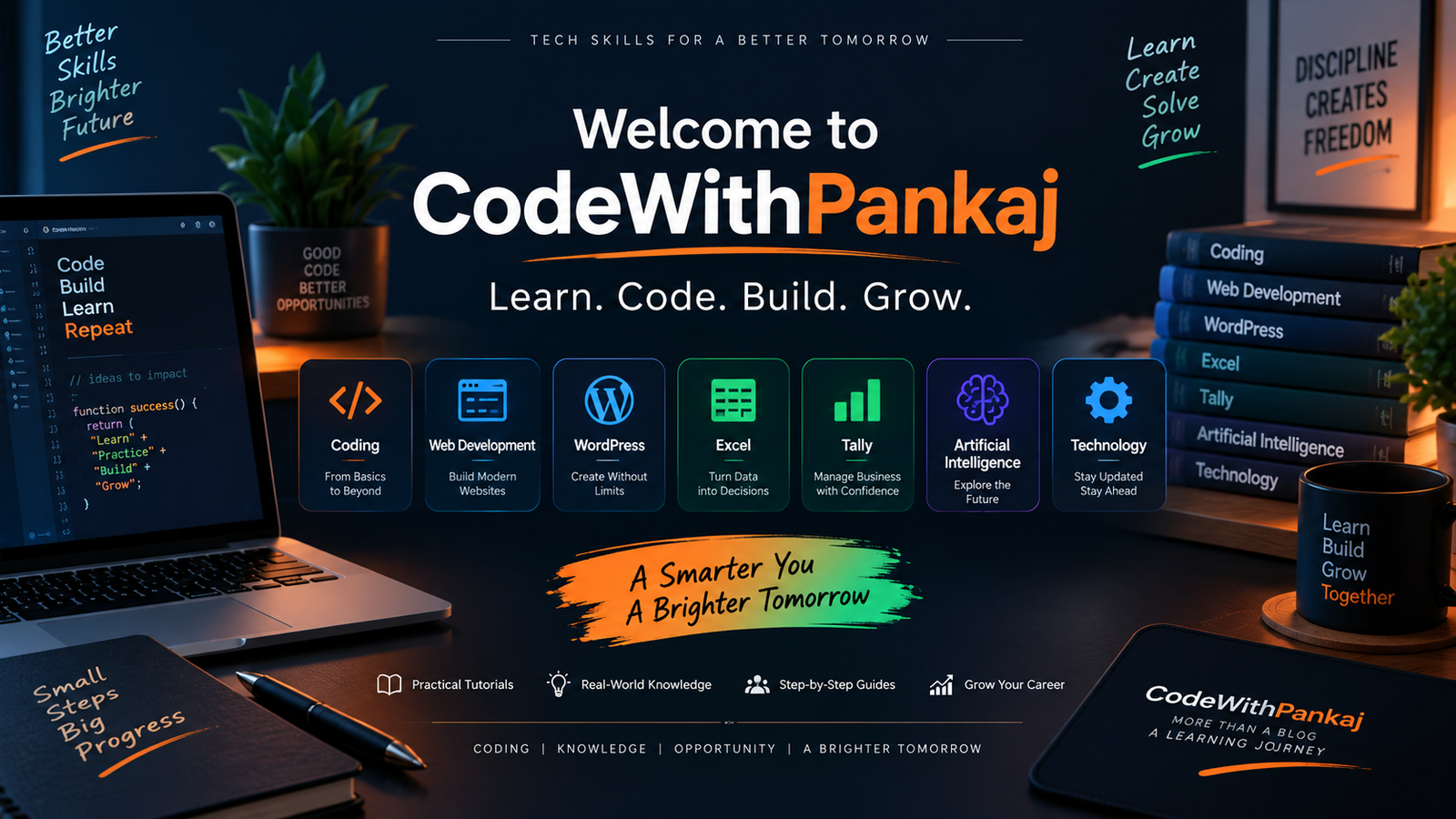
Welcome to CodeWithPankaj.
I started this website with a very simple idea – to share useful knowledge in an easy and practical way.
When I started learning technology, coding, Excel, websites and other digital tools, I found that a lot of information was already available online. But many times, the explanation was either too technical, too long, or difficult for a beginner to understand.
That is one of the main reasons I wanted to create CodeWithPankaj.
My aim is to keep things simple.
If you are a student, beginner, working professional, freelancer, business owner, or someone who simply wants to learn new digital skills, I hope this website will be useful for you.
What is CodeWithPankaj?
CodeWithPankaj is a learning website where I will share practical tutorials, guides, tips and useful information related to technology.
The main topics of this website include:
- Coding
- Web Development
- WordPress
- Microsoft Excel
- Tally
- Artificial Intelligence
- Technology
- Useful digital tools
I do not want this website to be only about theory.
My focus is on practical learning.
I want to explain not only what something is, but also how it works, where it is used, and how you can use it in real work.
Why I Created CodeWithPankaj
One common problem for beginners is that they do not know where to start.
For example, someone wants to become a web developer, but they get confused between HTML, CSS, JavaScript, PHP, frameworks, databases and many other technologies.
Another person wants to improve Excel skills but does not know which formulas are actually useful for office work.
Someone working in accounts may want to learn Tally or GST, but the available tutorials may not explain the process in a practical way.
The same thing is happening with Artificial Intelligence.
There are so many AI tools available today that it can become difficult to understand which tool is useful and how to use it properly.
Through CodeWithPankaj, I want to make these topics easier to understand.
Learn Coding Step by Step
If you are completely new to coding, do not worry.
You do not have to learn everything at the same time.
You can start slowly.
For web development, a beginner can usually start with:
- HTML
- CSS
- JavaScript
- Bootstrap
- PHP
- MySQL
Once the basics become clear, you can start creating small projects.
For example:
- Personal portfolio website
- Login page
- Registration system
- Contact form
- Blog website
- Admin dashboard
- Task management system
Small projects are very important because they help you understand how coding works in real situations.
Web Development Tutorials
Web development will be one of the main topics on CodeWithPankaj.
I will try to cover both frontend and backend development in simple language.
Frontend Development
Frontend development is the part of a website that users can see and interact with.
Important frontend technologies include:
- HTML
- CSS
- JavaScript
- Bootstrap
- Responsive Web Design
Backend Development
The backend handles the data and logic behind a website.
For backend learning, I will cover topics such as:
- PHP
- MySQL
- Database connection
- Forms
- Login and registration
- Sessions
- CRUD operations
- Admin panels
The goal is to gradually move from basic examples to complete working projects.
WordPress Learning
WordPress is useful for bloggers, freelancers, small businesses and website developers.
You can use WordPress to create:
- Blog websites
- Business websites
- Portfolio websites
- News websites
- Learning websites
- Online stores
On CodeWithPankaj, I plan to share practical WordPress tutorials about:
- WordPress installation
- Dashboard basics
- Themes
- Plugins
- Pages and posts
- Menus
- SEO
- Backup
- Security
- Website speed
- Hosting and domain setup
Microsoft Excel Tutorials
Excel is one of the tools I personally consider very useful for office and business work.
It can be used for reporting, accounts, data analysis, project tracking, budgeting, inventory and many other tasks.
On CodeWithPankaj, I will share Excel tutorials from basic to advanced level.
Some topics will include:
- Basic Excel formatting
- Sorting and filtering
- Tables
- Conditional formatting
- Data validation
- SUM
- IF
- COUNTIF
- SUMIF
- SUMIFS
- VLOOKUP
- XLOOKUP
- INDEX and MATCH
- Pivot Tables
- Charts
- Dashboards
- Data cleaning
- Practical office reports
I want to focus more on real examples instead of only formula definitions.
Tally and Accounting Tutorials
Tally is widely used in accounting and business.
For beginners, it can sometimes feel confusing because accounting concepts and software options are connected with each other.
I will try to explain Tally topics in a practical way.
Topics may include:
- Company creation
- Ledger creation
- Groups
- Payment voucher
- Receipt voucher
- Contra voucher
- Journal voucher
- Purchase entry
- Sales entry
- GST entries
- Inventory
- Bank reconciliation
- Reports
GST Related Learning
I also plan to share practical content related to GST and reporting.
This can include topics such as:
- Sales Register
- Purchase Register
- GSTR-1
- GSTR-1A
- GSTR-2B
- GSTR-3B
- Input Tax Credit
- GST Reconciliation
- Excel working files
- GST report preparation
The idea is to explain these topics in a way that is useful for real work.
Artificial Intelligence and AI Tools
Artificial Intelligence is now becoming part of everyday work.
AI tools can help in coding, writing, Excel, research, design, automation and productivity.
But using AI properly is more important than simply using it.
On CodeWithPankaj, I will share content related to:
- Artificial Intelligence basics
- Generative AI
- ChatGPT
- AI tools
- AI for coding
- AI for Excel
- AI for office work
- Prompt writing
- Automation
- Productivity
I will try to focus on practical use cases that can actually save time or improve your work.
Who Can Learn From CodeWithPankaj?
This website is for anyone who wants to improve their digital knowledge.
Students
If you are a student, you can use this website to learn practical skills along with your studies.
Beginners
If you are completely new to coding, Excel, WordPress, Tally or AI, you can start from the basics.
Working Professionals
If you are already working, you can learn Excel, AI, automation and other tools that may help you in your daily work.
Freelancers
If you want to work with clients, web development and WordPress skills can be very useful.
Business Owners
Business owners can also learn about websites, Excel, AI, accounting tools and automation.
How I Want to Teach Here
I want to keep the learning style of CodeWithPankaj simple.
My basic approach is:
Learn → Practice → Build → Improve → Repeat
I believe practical learning is much more useful than only reading theory.
If you are learning HTML, create a page.
If you are learning Excel, create a report.
If you are learning PHP, build a small application.
If you are learning AI, use it for a real task.
This is how skills improve.
Do Not Try to Learn Everything at Once
This is something I want every beginner to remember.
You do not need to become an expert in everything.
Choose one skill.
Learn the basics.
Practice regularly.
Build something small.
Then move to the next topic.
For example, if you want to become a web developer:
- Learn HTML
- Learn CSS
- Learn basic JavaScript
- Create a few simple websites
- Learn PHP
- Learn MySQL
- Create a complete web application
There is no need to rush.
Consistency is more important.
What You Can Expect From CodeWithPankaj
In the coming days, I will try to publish useful content such as:
- Beginner tutorials
- Step-by-step guides
- Practical projects
- Code examples
- Excel examples
- WordPress guides
- Tally tutorials
- AI tool guides
- Technology tips
- Problem-solving articles
I also want to keep improving this website based on what readers actually find useful.
Start Your Learning Journey
If you are new here, welcome.
You do not need any special background to start learning.
Start with the topic that is most useful to you.
If you want to learn coding, begin with HTML.
If you work in an office, start improving your Excel skills.
If you work in accounts, explore Tally and GST topics.
If you want to improve productivity, start understanding AI tools.
The important thing is to start.
A Small Message From CodeWithPankaj
Learning a new skill takes time.
Sometimes you will understand a topic quickly.
Sometimes you may need to practice the same thing many times.
That is normal.
Do not stop because one topic feels difficult.
Keep learning, keep practicing and keep building.
Even small progress every day can make a big difference after a few months.
Welcome to CodeWithPankaj.
Learn. Code. Build. Grow.
Frequently Asked Questions
What is CodeWithPankaj?
CodeWithPankaj is a learning website where you can find practical tutorials and guides related to coding, web development, WordPress, Excel, Tally, Artificial Intelligence and technology.
Is CodeWithPankaj suitable for beginners?
Yes. Most content is planned with beginners and self-learners in mind.
Can I learn web development here?
Yes. You can learn topics such as HTML, CSS, JavaScript, Bootstrap, PHP, MySQL and practical web development projects.
Will there be Excel tutorials?
Yes. Excel tutorials will include formulas, reports, Pivot Tables, dashboards, data cleaning and practical office examples.
Can I learn Tally and GST?
Yes. Tally and practical GST-related learning will also be part of CodeWithPankaj.
Will you cover Artificial Intelligence?
Yes. AI, ChatGPT, Generative AI, AI tools, prompting, coding with AI and productivity-related topics will be covered.
How should I start learning coding?
A beginner can start with HTML, then CSS and JavaScript. After understanding frontend basics, you can move to PHP, MySQL and complete projects.
