

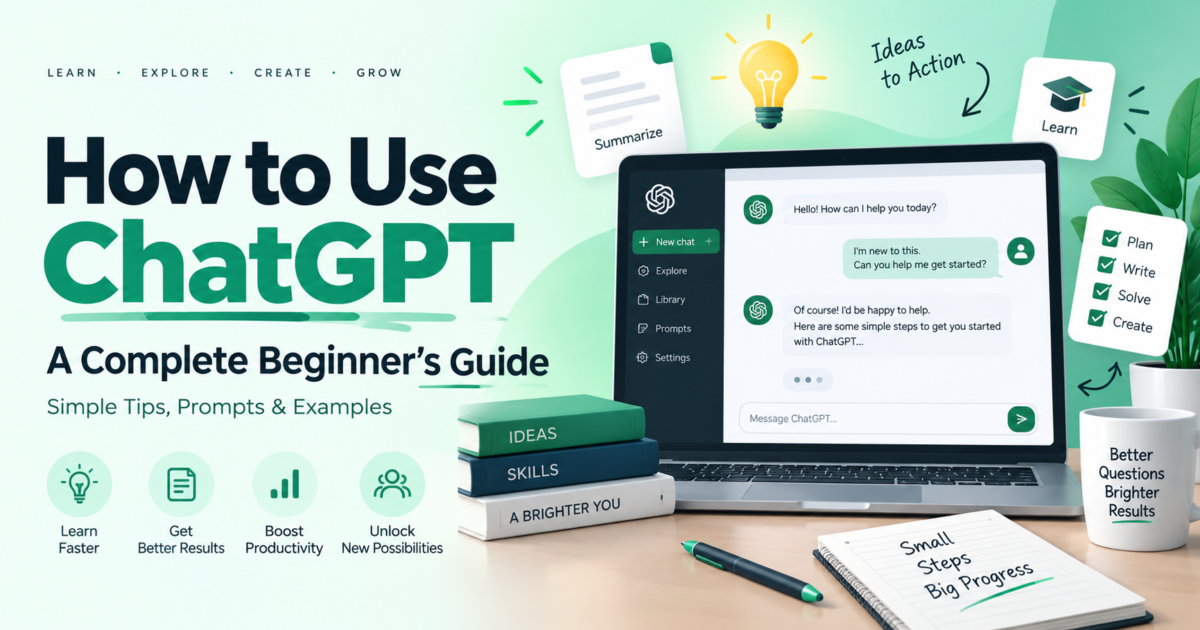
ChatGPT has become one of the most useful AI tools for students, professionals, developers, business owners, writers, and everyday users.
If you are new to ChatGPT, you may have many questions.
What is ChatGPT?
How does it work?
How can I use it?
What should I type in ChatGPT?
Can ChatGPT help me with study, office work, coding, or writing?
In this beginner-friendly guide, you will learn how to use ChatGPT step by step.
What Is ChatGPT?
ChatGPT is an AI-powered assistant created by OpenAI.
You can type a question or instruction, and ChatGPT will try to understand your request and give you a useful response.
You can use ChatGPT for many different tasks, such as:
- Writing emails
- Learning new topics
- Creating study notes
- Improving English
- Writing blogs
- Getting coding help
- Creating ideas
- Planning projects
- Making summaries
- Preparing interview questions
- Creating social media content
- Solving everyday problems
You can think of ChatGPT as a digital assistant that can help you with many types of work.
How to Start Using ChatGPT
Using ChatGPT is very simple.
Step 1: Open ChatGPT
Open ChatGPT on your computer, laptop, tablet, or mobile phone.
You can use it through a web browser or supported ChatGPT apps.
Step 2: Sign In
Create an account or sign in to your existing account.
After signing in, you will see a chat box.
Step 3: Type Your Question
Type your question or instruction inside the chat box.
For example:
What is Artificial Intelligence? Explain
Step 4: Send Your Message
Click the send button.
ChatGPT will read your message and generate an answer.
Step 5: Continue the Conversation
You do not always need to start a new chat.
You can continue asking questions in the same conversation.
For example:
Explain it with an example.
This makes ChatGPT very useful for learning.
What Is a Prompt in ChatGPT?
A prompt is the question or instruction you give to ChatGPT.
For example:
Write a leave application for one day.
This is a prompt.
Another example:
Explain Microsoft Excel in simple English for a beginner.
This is also a prompt.
A good prompt helps ChatGPT understand exactly what you need.
How to Write a Good ChatGPT Prompt
You can get better answers when your prompt is clear.
Instead of writing:
Write an email.
Write:
Write a short professional email to my manager requesting one day leave for personal work. Use simple English.
The second prompt gives ChatGPT more information.
A simple prompt formula is:
Task + Topic + Details + Style
For example:
Write a 700-word blog about Microsoft Excel for beginners. Use very simple English and include examples.
Here:
- Task: Write a blog
- Topic: Microsoft Excel
- Details: For beginners, 700 words
- Style: Very simple English
How to Use ChatGPT for Learning
ChatGPT can be very useful for students and beginners.
You can ask it to explain difficult topics in simple language.
For example:
Explain GST in very simple English.
You can also ask:
Explain GST with a simple example.
Or:
Create 10 questions to test my GST knowledge.
You can use ChatGPT to learn topics such as:
- English
- Mathematics
- Science
- Computer basics
- Excel
- Coding
- Accounting
- GST
- Tally
- Artificial Intelligence
How to Use ChatGPT for English
ChatGPT can help you improve your English writing.
For example, you can write:
Correct the grammar of this sentence: I will going office tomorrow.
ChatGPT can correct it and explain the mistake.
You can also ask:
Rewrite this message in professional English.
Or:
Make this sentence polite and simple.
This is very useful for office emails and professional communication.
How to Use ChatGPT for Email Writing
You can use ChatGPT to create professional emails.
Example prompt:
Write a simple professional email requesting approval for a purchase order.
You can also provide your rough message.
For example:
Please correct and rewrite this email in simple professional English: [paste your email here]
ChatGPT can help you make your email:
- Clear
- Professional
- Polite
- Short
- Easy to understand
However, you should always review and improve the content before publishing.
Add your own experience, examples, opinions, and information to make the blog more useful.
How to Use ChatGPT for Coding
ChatGPT can also help beginners learn programming.
For example:
Explain HTML in simple English with examples.
Or:
Create a simple login form using HTML and Bootstrap.
You can also paste an error message and ask:
Explain this error and show me how to fix it.
ChatGPT can help with many technologies, including:
- HTML
- CSS
- JavaScript
- PHP
- Python
- SQL
- Angular
- C#
- Java
However, you should understand the code instead of simply copying it.
How to Use ChatGPT for Excel
You can use ChatGPT to learn Excel formulas and functions.
For example:
Explain the VLOOKUP formula in simple English.
Or:
Give me an Excel formula to calculate total sales.
You can also ask:
Create 20 Excel practice questions for beginners.
ChatGPT can help with:
- Excel formulas
- Functions
- Data cleaning ideas
- Reports
- Pivot Tables
- Charts
- Practice questions
How to Use ChatGPT for Office Work
ChatGPT can be useful for daily office tasks.
You can use it for:
- Drafting emails
- Writing notices
- Creating meeting notes
- Preparing reports
- Writing work-order descriptions
- Correcting grammar
- Creating checklists
- Preparing presentations
- Making summaries
For example:
Create a simple meeting summary from these notes: [paste notes]
How to Use ChatGPT for Resume Writing
ChatGPT can help you improve your resume.
You can ask:
Write a professional resume summary for an accounts and commercial professional.
Or:
Rewrite these job responsibilities in professional English.
You can also ask for:
- Resume summaries
- Career objectives
- Job descriptions
- Skills sections
- Interview questions
- Cover letters
Always check the final resume and make sure all information is true.
How to Use ChatGPT for Social Media
ChatGPT can help you create social media content.
For example:
Write an Instagram caption about learning coding.
You can also ask:
Give me 10 LinkedIn post ideas for web developers.
It can help create content for:
- X
- YouTube
- Business pages
How to Ask Follow-Up Questions
One of the best things about ChatGPT is that you can continue the conversation.
Suppose you ask:
Explain Artificial Intelligence.
After receiving the answer, you can say:
Explain it in simpler English.
Then:
Give me a real-life example.
Then:
Create 5 quiz questions from this topic.
You do not need to repeat the complete topic every time.
seful ChatGPT Prompts for Beginners
Here are some simple prompts you can try.
For Learning
Explain Artificial Intelligence in simple English.
For English
Correct my grammar and explain my mistakes.
For Email
Write a professional leave email in simple English.
For Coding
Teach me HTML from beginner level.
For Excel
Explain Excel formulas with simple examples.
For Blog Writing
Write an SEO-friendly blog about Excel for beginners.
For Study
Create a 30-day study plan for learning web development.
For Interview
Give me 20 interview questions for a junior PHP developer.
For Social Media
Write a short Instagram caption about learning technology.
For Office Work
Convert these notes into a professional office report.
Tips to Get Better Answers from ChatGPT
Here are some simple tips.
1. Be Clear
Tell ChatGPT exactly what you need.
Bad prompt:
Tell me about coding.
Better prompt:
Explain web development for a complete beginner in simple English.
2. Give Enough Details
Tell ChatGPT about your goal.
For example:
I am a beginner. Create a 60-day Angular learning plan. I can study for 2 hours daily.
3. Mention the Writing Style
You can say:
Use simple English.
Or:
Make it professional.
Or:
Explain like I am a beginner.
4. Ask for Examples
If a topic is difficult, ask:
Explain it with a practical example.
5. Ask ChatGPT to Improve the Answer
You can say:
Make this answer shorter.
Add more examples.
Convert this into a table.
Explain this step by step.
Make this beginner-friendly.
Common Mistakes Beginners Make
Asking Very Short Questions
A short prompt may not provide enough information.
Instead of:
Excel
Write:
Explain Microsoft Excel and its main uses for a complete beginner.
Copying Everything Without Checking
ChatGPT can sometimes make mistakes.
Always read and verify important information.
Sharing Sensitive Information
Avoid sharing confidential information such as:
- Passwords
- OTPs
- Bank details
- Private company data
- Personal identification numbers
- Confidential customer information
Depending Completely on AI
ChatGPT should help you learn and work faster.
It should not replace your own thinking and knowledge.
Is ChatGPT Always Correct?
No.
ChatGPT can provide useful answers, but it can sometimes give incorrect, incomplete, or outdated information.
This is especially important for topics such as:
- Tax
- GST
- Legal matters
- Medical information
- Banking
- Investments
- Government rules
- Current laws
Always verify important information from official or trusted sources.
Can Beginners Use ChatGPT?
Yes.
You do not need technical knowledge to start using ChatGPT.
If you know how to type a question, you can start using it.
Start with simple prompts.
For example:
Explain computers in simple English.
Then slowly learn how to write better prompts.
Advantages of Using ChatGPT
ChatGPT can help you:
- Save time
- Learn faster
- Get ideas
- Improve writing
- Understand difficult topics
- Practice coding
- Prepare documents
- Improve productivity
It can be especially useful when you know how to ask clear questions.
Limitations of ChatGPT
ChatGPT is useful, but it also has limitations.
It may:
- Give incorrect information
- Misunderstand unclear questions
- Give outdated information
- Provide code that needs correction
- Miss important context
Therefore, always check important answers before using them.
Frequently Asked Questions
What is ChatGPT used for?
ChatGPT can be used for learning, writing, coding, research support, planning, emails, blogs, study notes, and many other tasks.
Is ChatGPT easy for beginners?
Yes. Beginners can start by typing simple questions and instructions.
What is a prompt?
A prompt is the question or instruction that you give to ChatGPT.
Can ChatGPT help with English?
Yes. ChatGPT can help with grammar, sentence correction, email writing, vocabulary, and English practice.
Can ChatGPT help with coding?
Yes. It can explain programming concepts, generate examples, and help you understand coding errors.
Can ChatGPT write blogs?
Yes. ChatGPT can help create blog ideas, outlines, drafts, FAQs, titles, and meta descriptions.
Should I trust every ChatGPT answer?
No. Important information should always be checked using trusted or official sources.
Final Thoughts
ChatGPT is a powerful AI assistant that can make learning and daily work easier.
You can use it for education, coding, writing, office work, blogs, emails, Excel, research, and many other tasks.
The most important thing is to learn how to write clear prompts.
Instead of asking very short questions, explain what you want, who the answer is for, and what style you prefer.
Start with simple questions, practice regularly, and slowly learn how to use ChatGPT more effectively.
ChatGPT should be used as a helpful tool to improve your knowledge, skills, and productivity.