
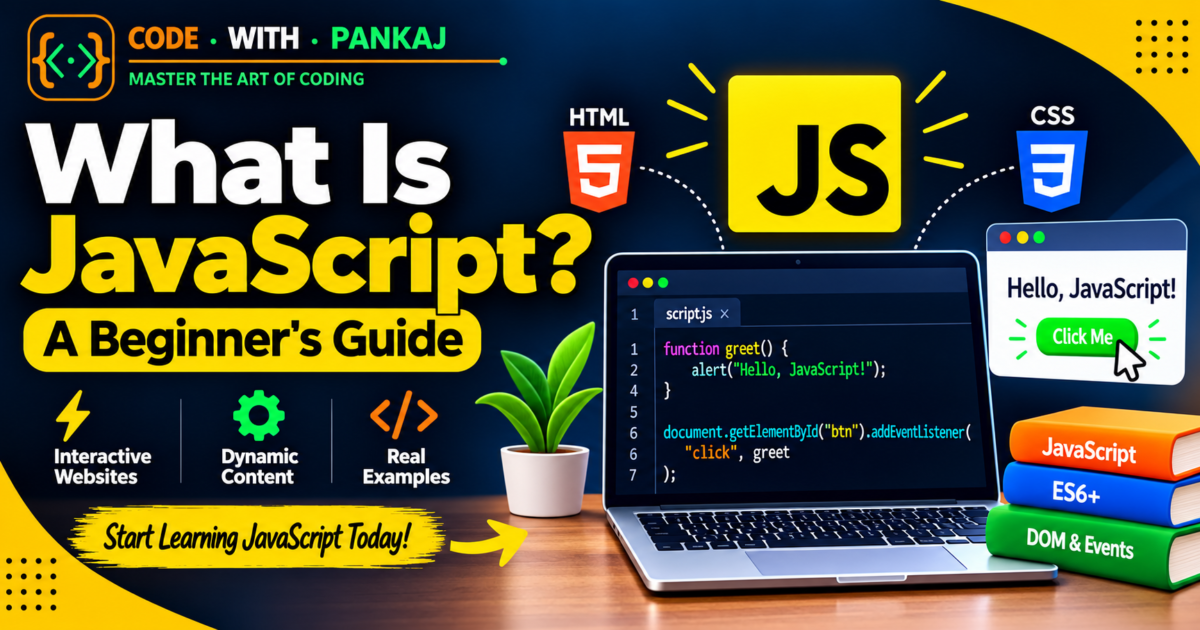
JavaScript is one of the most popular programming languages used in web development. It makes websites interactive and allows users to perform different actions, such as clicking buttons, submitting forms, opening menus, and viewing dynamic content.
If you are a beginner who wants to learn web development, JavaScript is an important language to understand.
In this guide, you will learn what JavaScript is, how it works, where it is used, and how to start learning it with simple examples.
1. What Is JavaScript?
JavaScript is a programming language that makes websites interactive and dynamic.
For example, JavaScript can help you:
- Show or hide content.
- Display popup messages.
- Create image sliders.
- Validate forms.
- Build calculators.
- Create dropdown menus.
- Update webpage content without reloading.
JavaScript works together with HTML and CSS to create modern websites.
2. HTML vs CSS vs JavaScript
HTML, CSS, and JavaScript have different roles in web development.
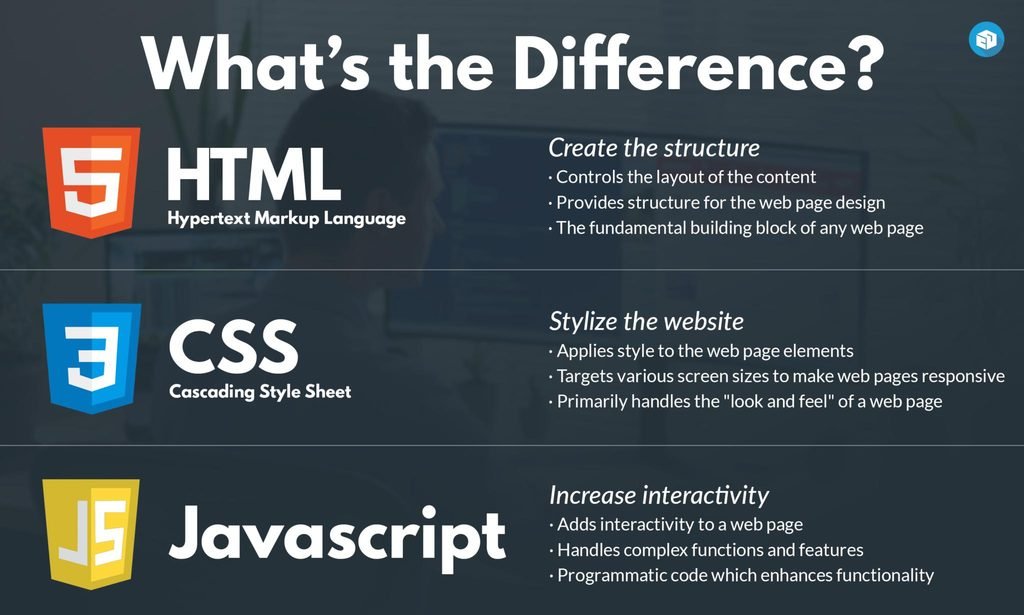
| Technology | Purpose |
|---|---|
| HTML | Creates the webpage structure |
| CSS | Adds colors, layouts, and styling |
| JavaScript | Adds functionality and interaction |
Think of a website like a house. HTML creates the structure, CSS decorates it, and JavaScript makes its features work.
3. How Does JavaScript Work?
JavaScript can run directly inside a web browser, such as Google Chrome, Microsoft Edge, or Firefox.
When a user opens a website, the browser loads its HTML, CSS, and JavaScript. JavaScript can then respond to user actions and update the page.
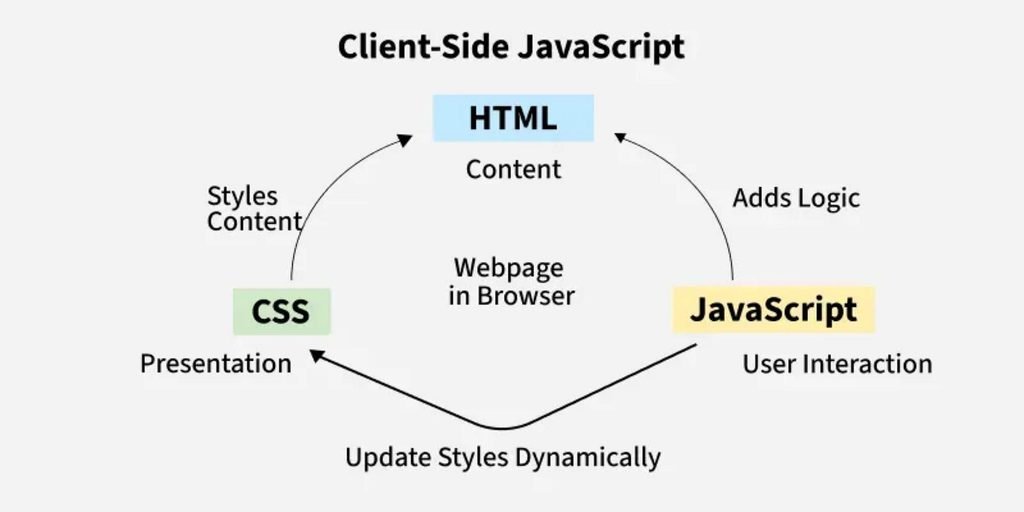
For example, when you click a button, JavaScript can detect the click and display a message.
<button onclick="alert('Hello!')">Click Me</button>When the user clicks the button, a popup displays the message “Hello!”
4. Where Is JavaScript Used?
JavaScript is used in different areas of software development.
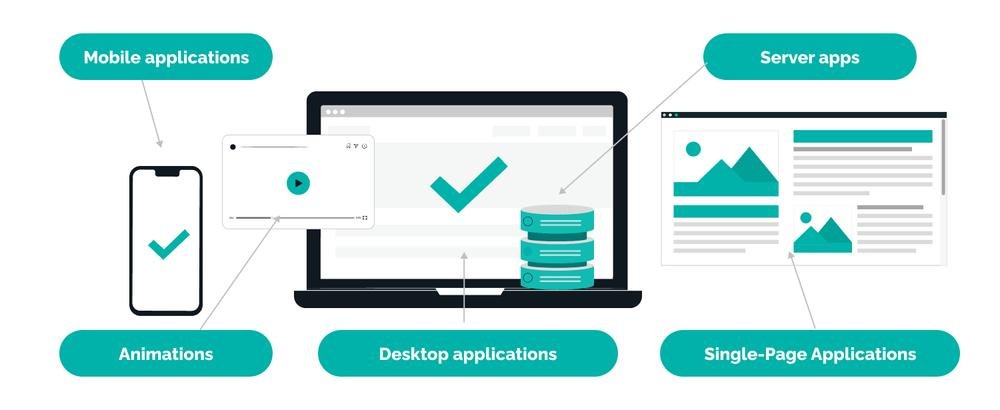
Frontend Development
JavaScript makes the visible part of a website interactive. Developers use it for menus, forms, animations, shopping carts, and dashboards.
Popular frontend technologies include React, Angular, and Vue.js.
Backend Development
JavaScript can also run on a server using Node.js. Developers use it to build APIs, authentication systems, and database-connected applications.
Mobile Applications
Technologies such as React Native and Ionic allow developers to build mobile applications using JavaScript and related web technologies.
5. JavaScript Variables and Data Types
Variables store information that a program can use.
let name = "Pankaj";
let age = 25;
let isDeveloper = true;

console.log(name);
console.log(age);
In this example:
namestores text.agestores a number.isDeveloperstores a true-or-false value.
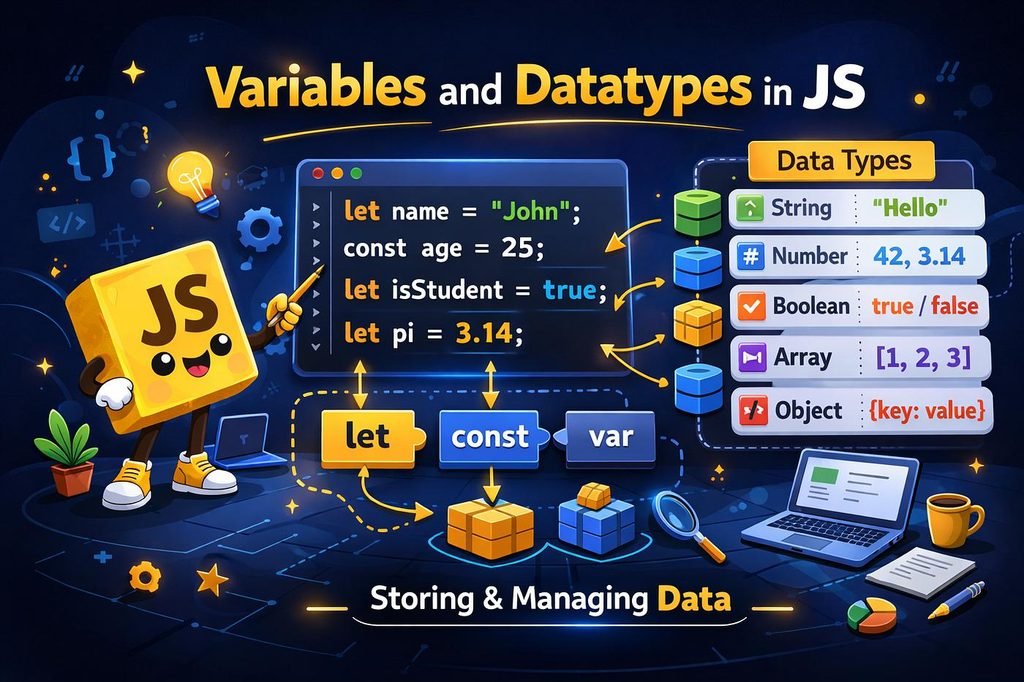
JavaScript also supports arrays for storing lists of values and objects for storing related information.
6. JavaScript Conditions
Conditions allow a program to make decisions.
let age = 20;

if (age >= 18) {
    console.log("You are eligible.");
} else {
    console.log("You are not eligible.");
}
The program checks whether the age is 18 or above. If the condition is true, it displays the first message. Otherwise, it displays the second message.
7. JavaScript Functions
A function is a reusable block of code. You can write it once and use it whenever needed.
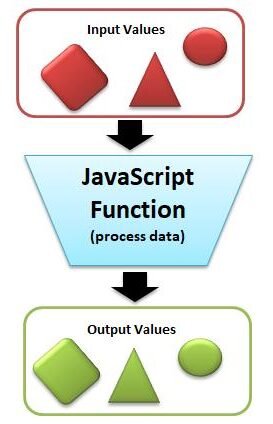
function add(a, b) {
    return a + b;
}

console.log(add(10, 5));
Output:
15Here, the function adds two numbers and returns the result.
8. What Is the DOM in JavaScript?
DOM stands for Document Object Model. It allows JavaScript to access and change elements on a webpage.
For example, JavaScript can change a heading, update a paragraph, or modify the text inside a button.
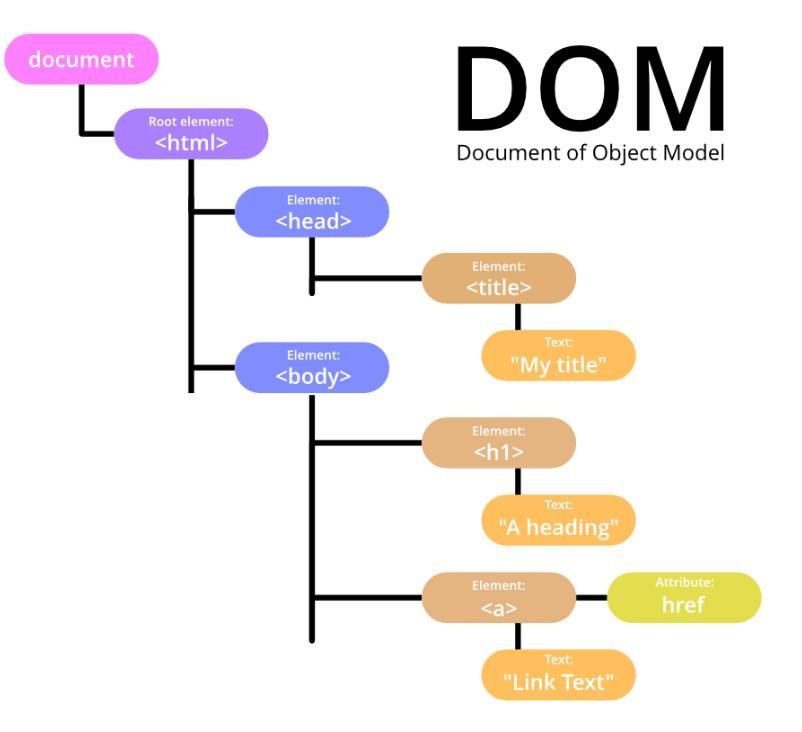
HTML
<h1 id="title">Hello</h1>
JavaScript
document.getElementById("title").textContent = "Hello JavaScript";The heading changes from “Hello” to “Hello JavaScript”.
9. What Can You Build with JavaScript?
After learning the basics, you can create many useful projects.
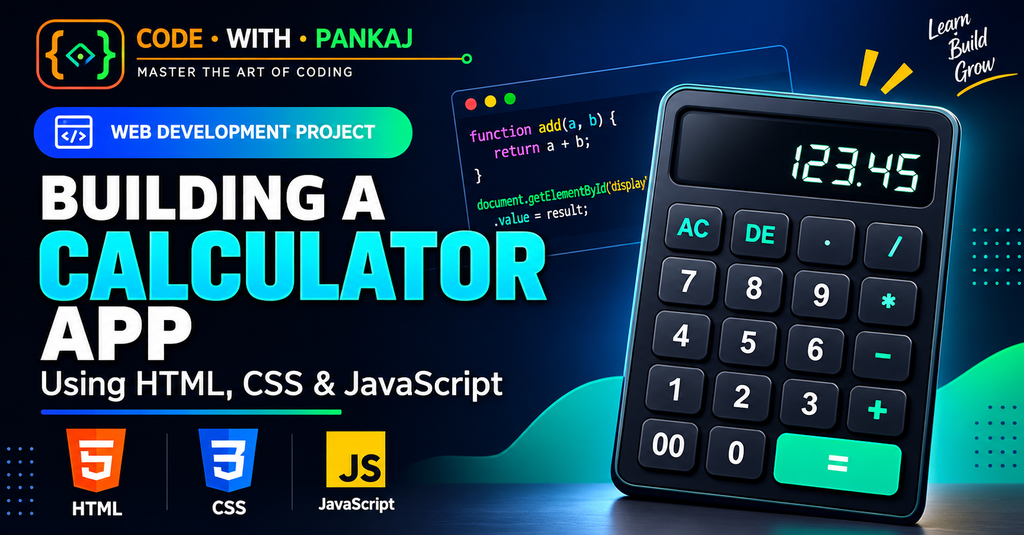
Here are some beginner-friendly project ideas:
- Calculator
- To-Do List
- Digital Clock
- Quiz Application
- Password Generator
- Image Slider
- Expense Tracker
- Form Validation
Building small projects helps you understand how JavaScript works in real applications.
10. JavaScript Learning Roadmap
If you are starting from zero, follow this learning order.
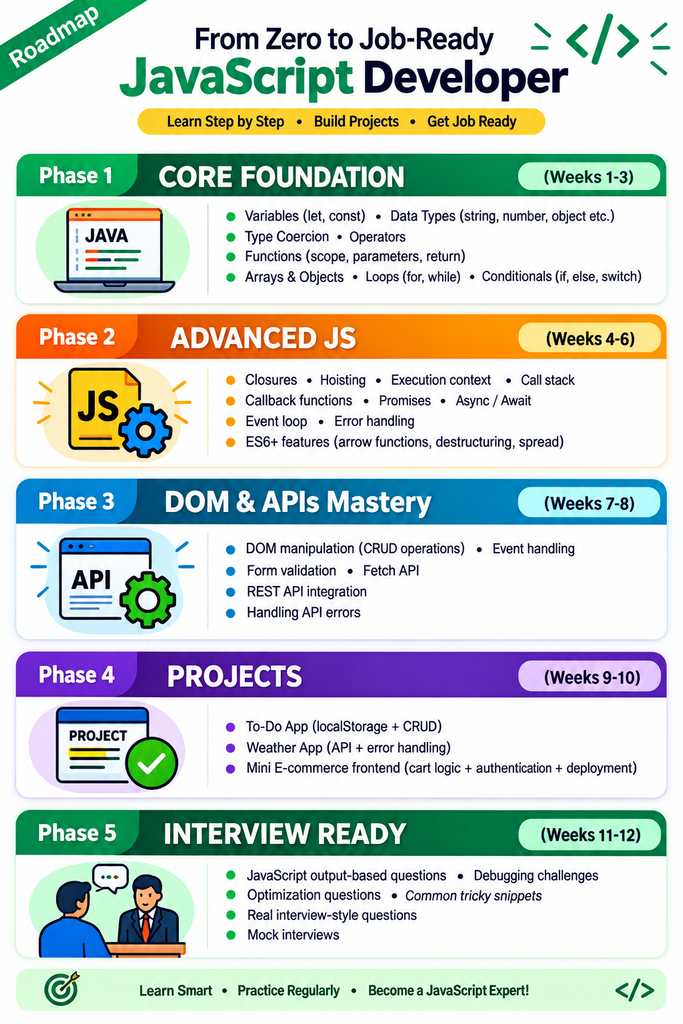
- Learn HTML basics.
- Learn CSS and responsive design.
- Understand variables and data types.
- Practice conditions and loops.
- Learn functions, arrays, and objects.
- Understand DOM manipulation and events.
- Learn modern JavaScript.
- Practice working with APIs.
- Build small projects.
- Explore React, Angular, or another framework.
Frequently Asked Questions
Is JavaScript easy to learn?
JavaScript is suitable for beginners. Start with simple examples and practise regularly.
Is JavaScript the same as Java?
No. Java and JavaScript are two different programming languages.
Can I learn JavaScript without coding experience?
Yes. You can start with basic concepts and gradually move to more advanced topics.
Can JavaScript be used for backend development?
Yes. Node.js allows JavaScript to run on the server.
How long does it take to learn JavaScript?
The time depends on your practice schedule and learning goals. You can understand the basics in a few weeks, but building confidence takes continued practice.
Conclusion
JavaScript is an important programming language for modern web development. It helps developers create interactive websites, web applications, and many other digital products.
Start by learning variables, conditions, loops, functions, arrays, objects, and DOM manipulation. Practise each topic with small coding examples and gradually build complete projects.
Remember: Learn the basics, practise every day, and keep building projects.